DESIGNED & SHIPPED • 2026
A 0→1 Mobile App that turns your Food Photos into your Culinary Identity.
OVERVIEW
What if the food photos in your camera roll could tell a story about your food personality, vibe and top cuisines?
As someone who loves to cook, my camera roll always eats first. And I know a lot of people already do this.

Existing habit of photographing everything you eat


Spotify-Wrapped style insights about your food personality, vibe, and top cuisines!
TL;DR
I designed, vibe-coded, and deployed a PWA that classifies food photos using AI and generates insights for a user's culinary identity over time.

Live
Deployed PWA
Secure Auth
for multiple users
AI-powered
Sonnet vision
PROBLEM CONTEXT
AI-assisted design is limited by how well a designer can prompt, steer, and decide what to hand over.

IS DESIGN REALLY "DEAD?"
GOAL
Learn to effectively direct AI tools by shipping a product end-to-end, and demonstrate design judgment.

COMPETITIVE ANALYSIS
Most food tracking apps are either too health or utility-focused, or require too much effort with manual logging.
Feature
Atemate
Treatly
Savor
Yummi
Memolli
AI-powered food & cuisine identification
Health-focused tracking
Rating food/restaurant tracking
Culinary identity based on food vibe & palate
~
~
~
Cuisine based World Exploration
Spotify-wrapped style narrative
Yes
No
~
Partial
There is a competitive edge towards personal identity and discovery through food journaling, by leveraging AI insights.

THE PRODUCT
Food Wrapped uses AI vision to turn your food photos into a reflection of your culinary identity.
Focus on the memory, not logistics!
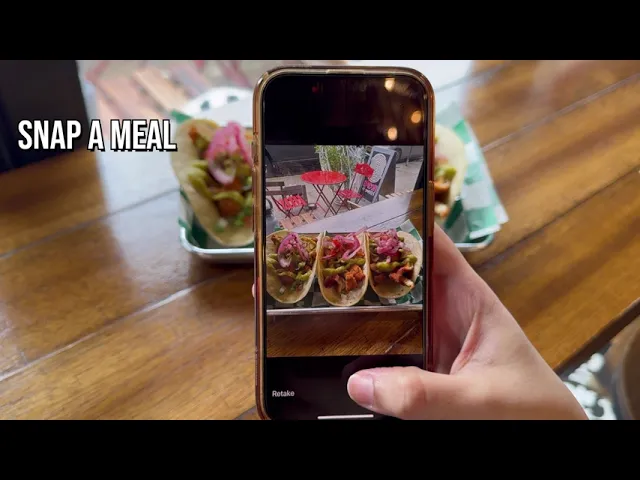
You snap or upload a meal,
An AI vision model autodetects and fills the dish name, cuisine, vibe, and other metadata like date and location for you, so there are no forms to fill in and nothing to tag manually.
Optionally, you can add a memory to remember that meal by!

Over time, the app builds a picture of your culinary identity:
your top cuisines
your evolving food personality and
the regions explored on a world map!

The app is a celebration of food as memory and adventure, and it is deliberately not a calorie counter or a restaurant rating tool because I wanted the experience to feel simple and like looking back on your experiences with pride and curiosity rather than auditing them with guilt.

Your Food, Wrapped!
Whenever you want, the app generates a Spotify Wrapped style recap of your food experiences for any period of time that you can then share on your socials!
THE AI TOOLS I USED AND WHY
I treated each AI tool like a knife in a kitchen.

Claude, as a thought partner and for scoping a PRD

Framework adapted from Tina Huang, "Vibe Coding Fundamentals in 33 Minutes" (2025).
How was it useful?
Claude's knowledge of the competitive landscape was helpful in pressure-testing my idea from multiple angles before designing.
Figma Make, for visual direction
Outfit
Outfit
WHY OUTFIT?
WHY ORANGE?
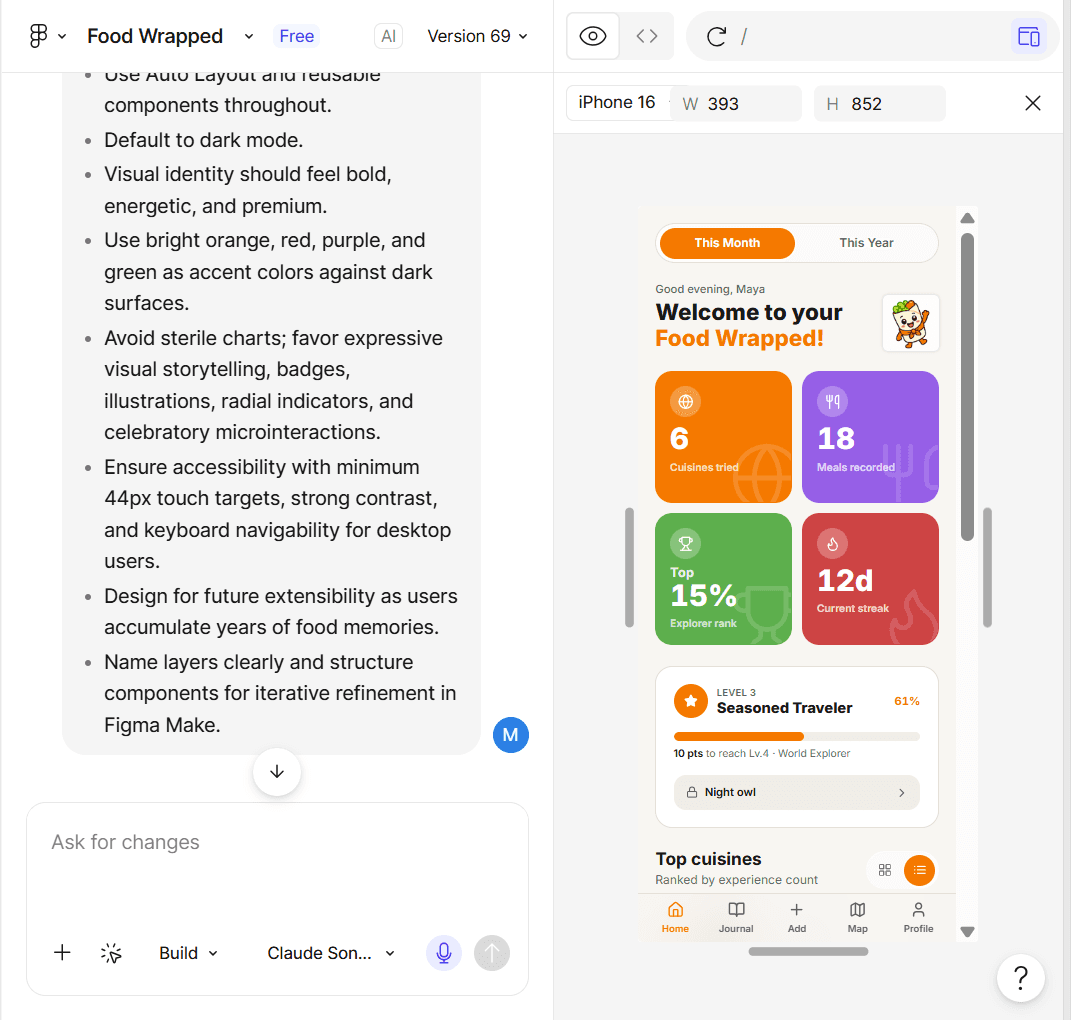
I used the TC-EBC framework to prompt Figma Make, adapted from Greg Huntoon, "Cooking with Constraints: A Designer's Framework for Better AI Prompts," Figma Blog
How was it useful?
Figma Make's functional prototype made UX decision-making easier by helping me think of edge-cases faster.
Cursor, for the actual build




How was it useful?
Vibe-coding in Cursor helped me catch and fix real usability problems in the moment instead of discovering them much later.

Cursor enabled me to fine-tune app interactions using real data, such as the horizontal scroll for top cuisine entries
Supabase, Vercel, and the Claude Sonnet API
Supabase handled the database and user authentication.
Vercel handled deployment via GitHub, where I committed continuously for version control.
Claude Sonnet ran the food image vision classification via an API
DESIGN DECISIONS
The AI handled the grunt work, but these were the decisions I owned.
Surfacing privacy without adding friction
The AI vision model flags when a human is detected in an upload, and the user gets a gentle heads up to keep or discard that entry right then and there.

Clear metrics that reward breath over volume

Trying a new dish/cuisine is worth more than logging the same food again.
Every stat in the app is presented clearly using this logic.
The information architecture tells a story
Photos take priority over numbers because food images carry emotions & memories!

WHAT THIS LOOKED LIKE IN PRACTICE
I do the judgment, AI does the grunt work
THE GOAL
MY ROLE
AI's ROLE

CHALLENGES & CONSTRAINTS
Struggles and how I overcame them…
Scoping & Feature Creep
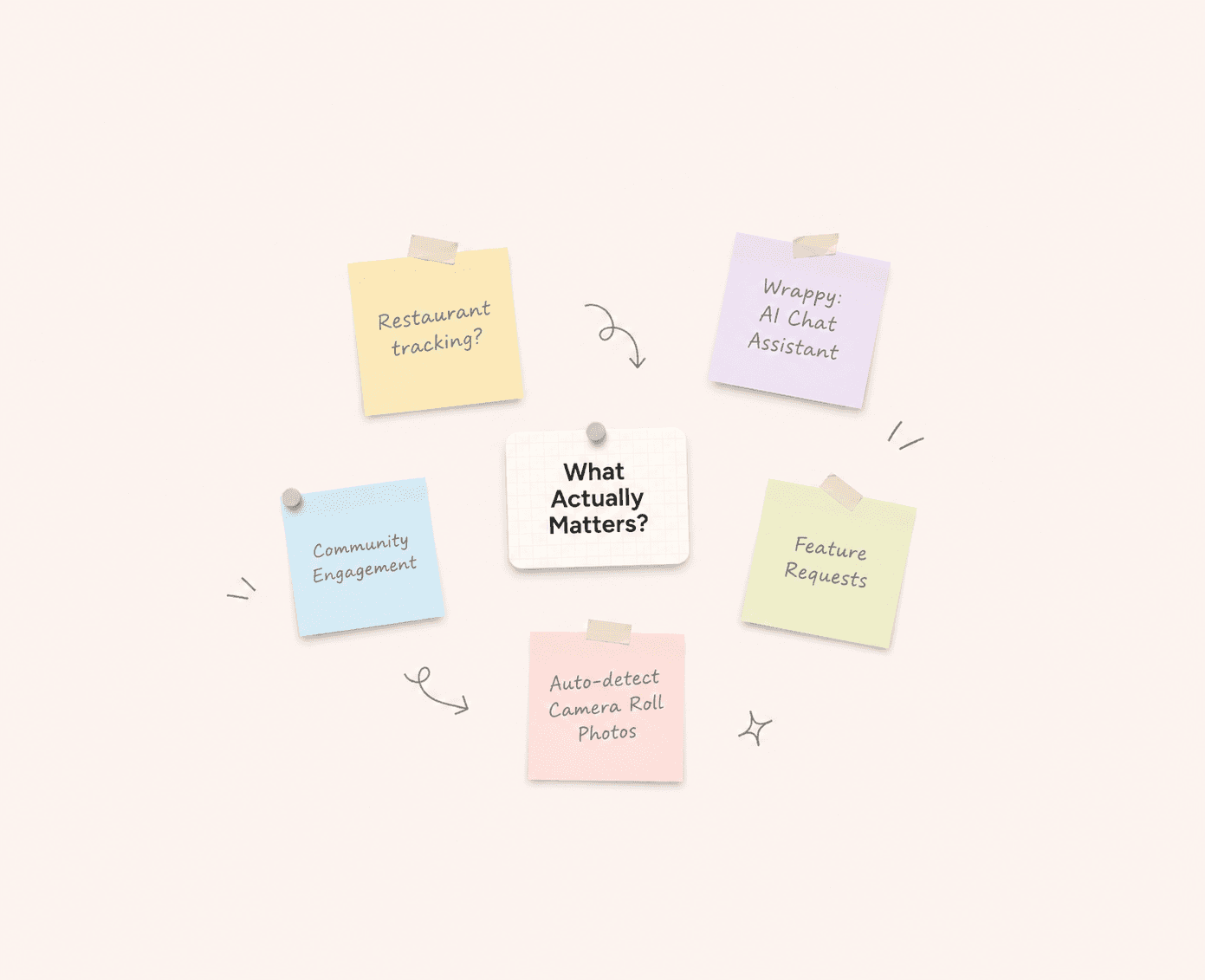
Because AI agents made shipping new features so easy, I often got carried away into adding new functionality before validating what already existed. To keep myself in check, I anchored to the PRD, parked extra ideas on a separate priority list, and judged each feature by its real value rather than how easy it was to build.

Determining Fallbacks for AI Outputs
Finding a user's go-to dish meant grouping similar dishes even when they did not log the exact same dish name. Initially, I used the Claude Sonnet API for comparing dishes, but that was often slow and there was a risk of request timeout. So I added a keyword-similarity check as fallback for when the model was slow or failed.

Debugging Code I Didn't Write
Vibe-coding is cool until things break in code and it gets difficult to pin-point the exact issue. For small targeted fixes, I used the CSS Inspector in Cursor. For more complex ones, I worked around them with by: screenshotting the error, describing it to Cursor, testing the fix, and consistently using version control via GitHub to roll back any catastrophic changes.

Jumping into Cursor without a Visual Direction
At first, I went directly from the Claude PRD to Cursor without finalizing a strong visual foundation. This resulted in a flat, single screen output with an influx of gradients and emojis. So I decided to stop there, open Figma Make and restructure my approach, setting up clear visual design guidelines. Ultimately, I decided to go for a light-themed app so the food photos would pop more!
BALANCING TRADE-OFFS
Prioritizing privacy over camera-roll integration

Auto-detecting food photos from the camera roll required zero effort from the user. However, it also called for more advanced security protocols that were not only out of scope but raised privacy concerns for an app that's new on the market. So I prioritized user privacy by building the initial version around in-app capture and manual bulk uploads.
Once the app builds user trust via initial adoption, future iterations can explore camera roll access for a more seamless and frictionless experience!
REFLECTIONS
AI is not innovative but it can help me work faster!
Better prompts = better output
Design 🤝 Code = faster, stronger cross-functional collaborator


Iteration & User Feedback is key!
User Research via social media surveys
Explore deeper the "real-world travel x food exploration" connection
So what's your food personality? 👀
Find out at: foodwrapped.memunatariq.com!